Sound Design Playbook
Starting points, not rules. Turn your monitors down, use Solo Mod to hear what each move adds, and save anything you like.
Drums · presence
Push your transients front and center
- Start from Init or Transient Hunter. Keep Link on.
- Set Disperse Freq near the body of the drum, with a low Q and a moderate Amount.
- Move Skew a few semitones either way until the hit leans forward.
- Pull Comp down until it's dense, then try Detector Source Focused to catch the fastest transients.
FX · lasers and zaps
Ray gun from any hit
- Set Disperse Amount high (24–32) and Q high for a narrow whip.
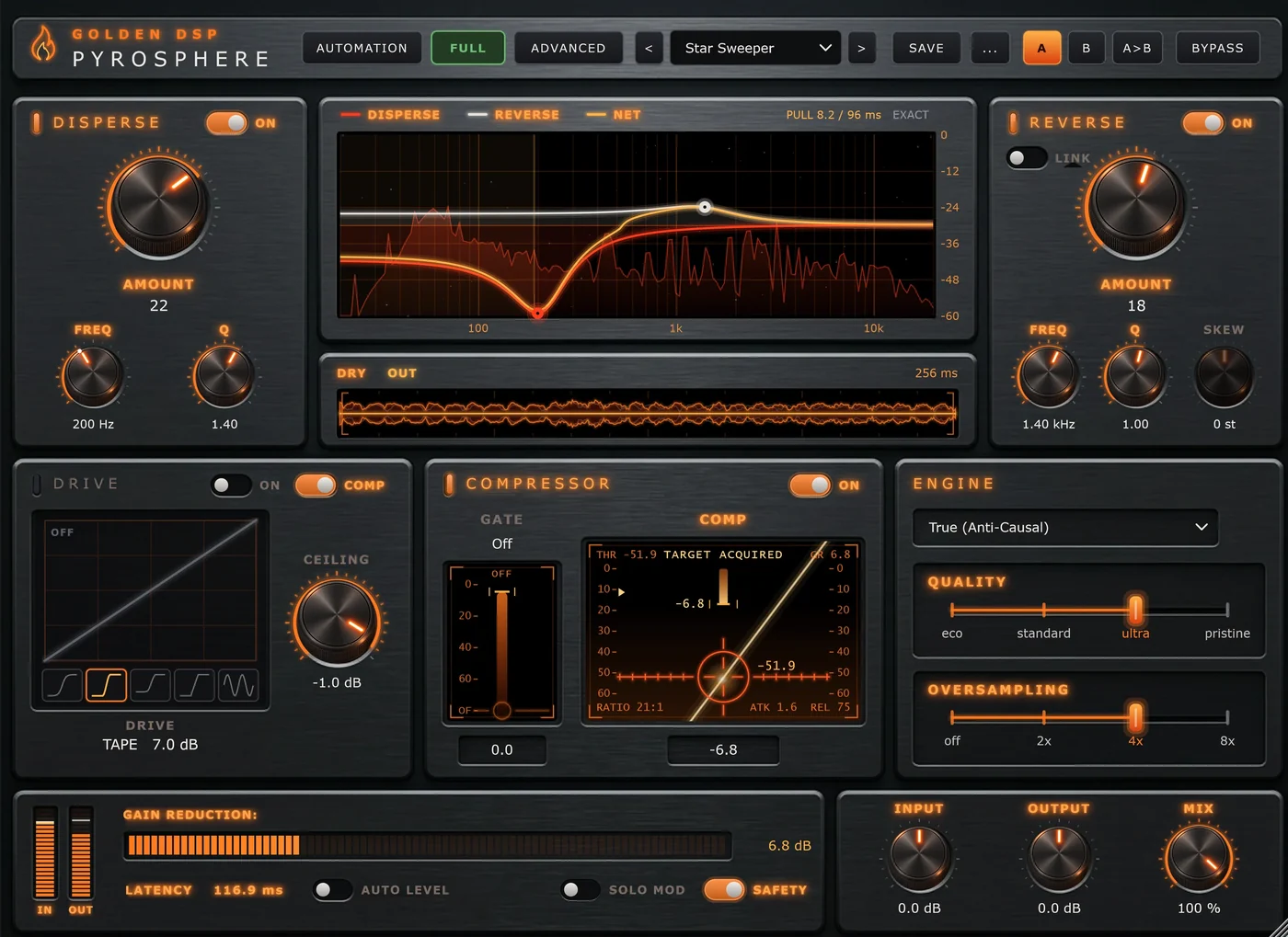
- Drag the red node sideways to tune the zap. A higher Freq gives a brighter, shorter pew.
- Switch Link off and set Reverse to a different frequency for a second beam.
- Compare with Xiblar's Ray Gun and Photon Torpedo in Laser FX.
Bass & 808 · character
Same pitch, different character
- Leave the frequencies still. Sweeping Freq on a bass pulls the note around; a static Reverse changes the note's character instead.
- Switch Link off. Set Reverse Freq near the note's fundamental or first harmonic, and raise Amount until the attack changes shape.
- Add Tape or Tube Drive for harmonics that read on small speakers, and a touch of Bias for even harmonics.
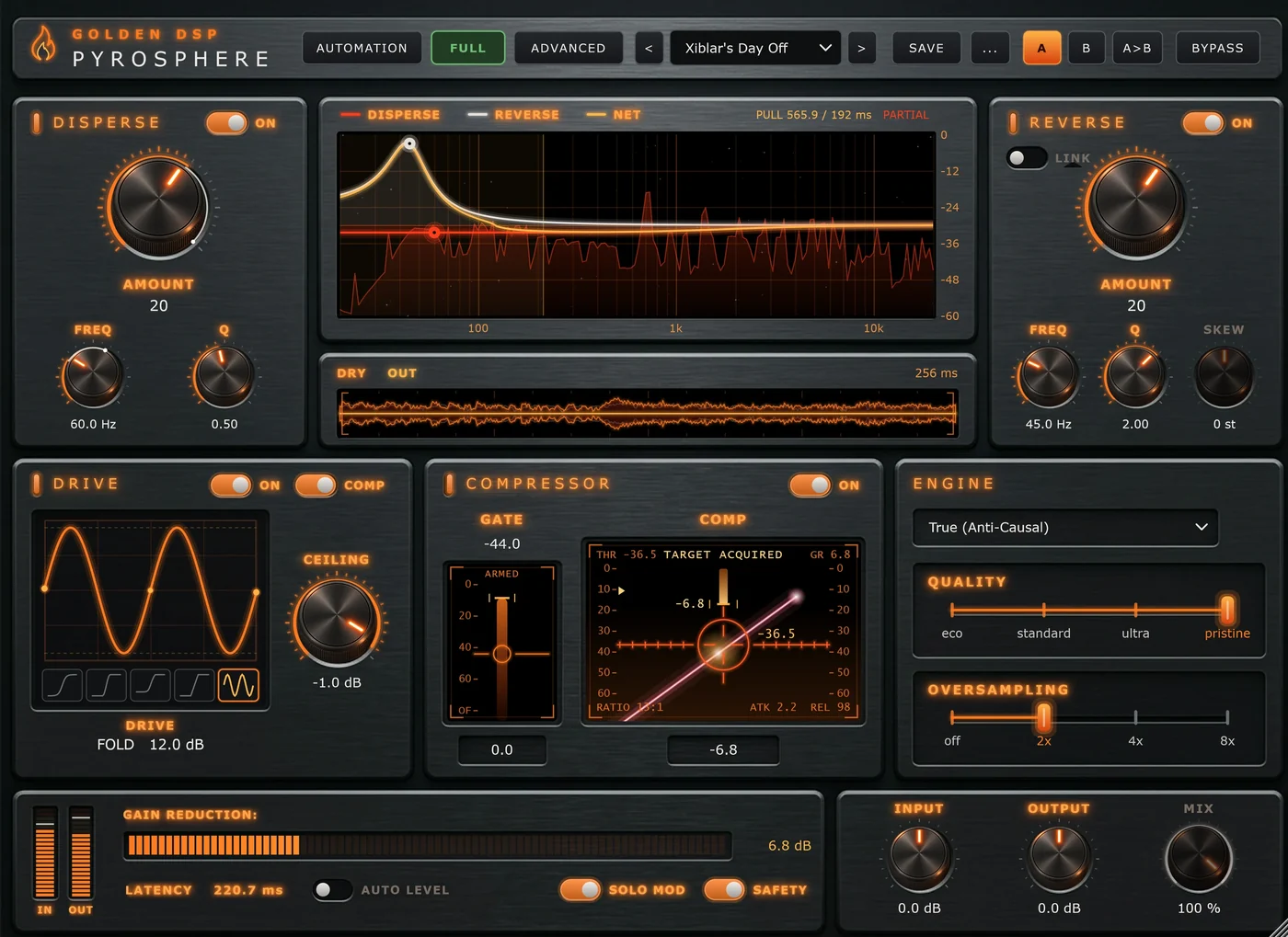
- Try Quality Ultra or Pristine for low notes, or leave it at Partial if you prefer the rougher result.
Movement · tempo-synced
Custom automation, tempo/note synced
- Right-click Disperse Freq › Automate with Mod 1.
- Choose Ramp Up, Sync, 1 bar, Loop.
- Set the depth to taste. Turn on +/- for a sweep that moves both ways around your dial.
- For a shimmer, add a Triangle on Mod 2 at 1/8 driving Skew, with Link on.
Movement · audio-triggered
Per note (hit) automation
Automation can be set to One Shot mode, where each hit triggers the automation. Here it ducks or chops every hit:
- Right-click Output or Mix › automate with a free slot.
- Set Mode to One Shot, Trigger to Audio, and draw a shape that dips and recovers.
- Play the track and raise Thresh until the Trig lamp flashes once per hit.
- Set the length with Sync, for example 1/8, so the dip lasts the same musical time at any tempo.
On long 808 notes, use an audio buffer of 256 samples or more so the trigger doesn't fire again mid-note.
Performance · MIDI
Play the effect
- Set a slot's Trigger to MIDI and Mode to One Shot.
- Route a MIDI track to Pyrosphere in your DAW and draw notes where you want the movement to fire.
- Use Fire to audition the shape without MIDI.
Mix · ducking
Make room for the kick
- On the bass, set Detector Source to External and route the kick to Pyrosphere's sidechain.
- Pull Comp down until the bass dips under each kick. Use SC HPF to ignore the kick's sub.
More ideas
- Stack instances. Two Pyrospheres in a row with different frequencies give swirling, punchy results.
- Live mode as an effect. Switch to Live, raise Reverse Freq, and get a second, brighter sweep.
- Parallel blend. Push everything hard, then bring Mix back to 30–50%. The dry path stays aligned, so nothing smears.
- Fold into the compressor. The Fold shape plus a low Comp fader makes metallic, gritty textures. Raise Oversampling to keep it clean.
- Learn from the banks. Weird Science and Xiblar's Stash show what the modulators can do. Open Automation to see how each preset is built.