
Disperse
Disperse spreads a sound out in time after it lands. Turn it up for sweeps and lasers, down for depth and weight.
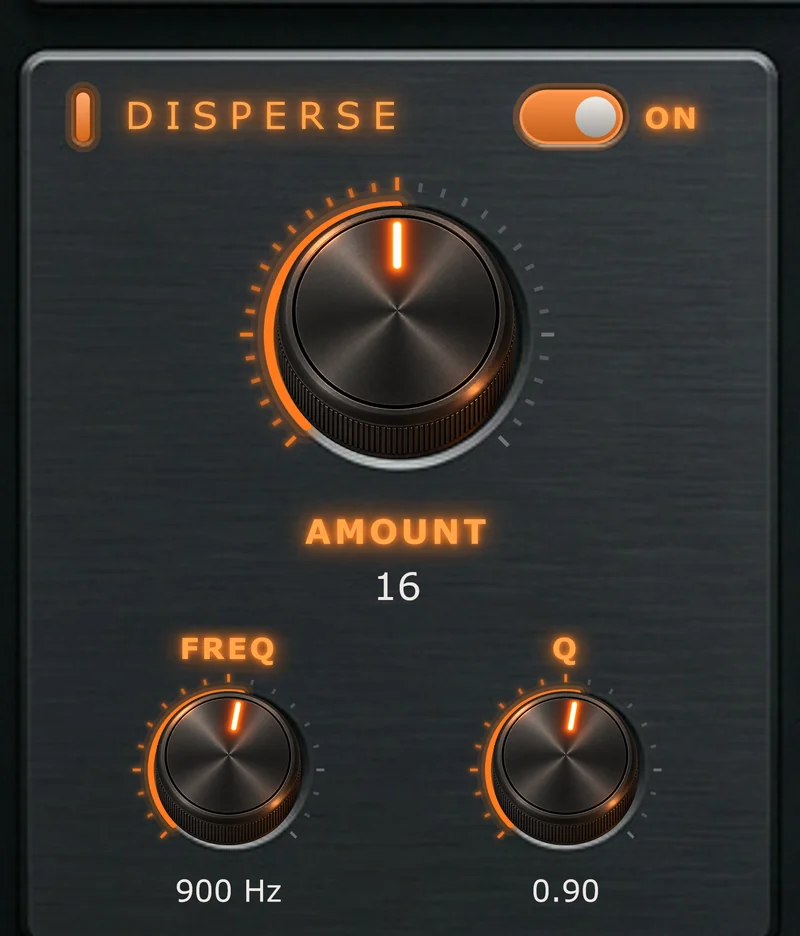
Overview
Every sound is many frequencies arriving together. Disperse lets some of them lag behind the rest, so a sharp hit turns into a short downward sweep that trails after it. Where the sweep sits, how narrow it is and how long it lasts are all yours to set.
On
Switches the Disperse section in or out.
The panel's lamp and legends light while it's on.
Amount
Sets how strongly the hit is stretched.
Amount stacks stages: more stages stretch the hit further into a sweep. At low settings Disperse adds weight and depth; up high it turns hits into whips, zaps and lasers. At Off the section does nothing.
Freq
Sets the band that lags furthest behind.
This is where the sweep is centred. The red node on the phase display is the same control: drag it sideways to move Freq by ear.
Q
Sets how tightly the delay focuses around Freq.
High Q is a narrow, ringing whip; low Q is a wide, smooth sweep. On the display, drag the red node up for narrower, down for wider, or scroll over it.
Because Drive and the Compressor come after Disperse, they work on the spread-out version of the sound. Changing Disperse changes how they bite, too.