
Reverse
The first Reverse Disperser of its kind. It pulls energy in ahead of the hit, so transients arrive with a rush instead of a click.
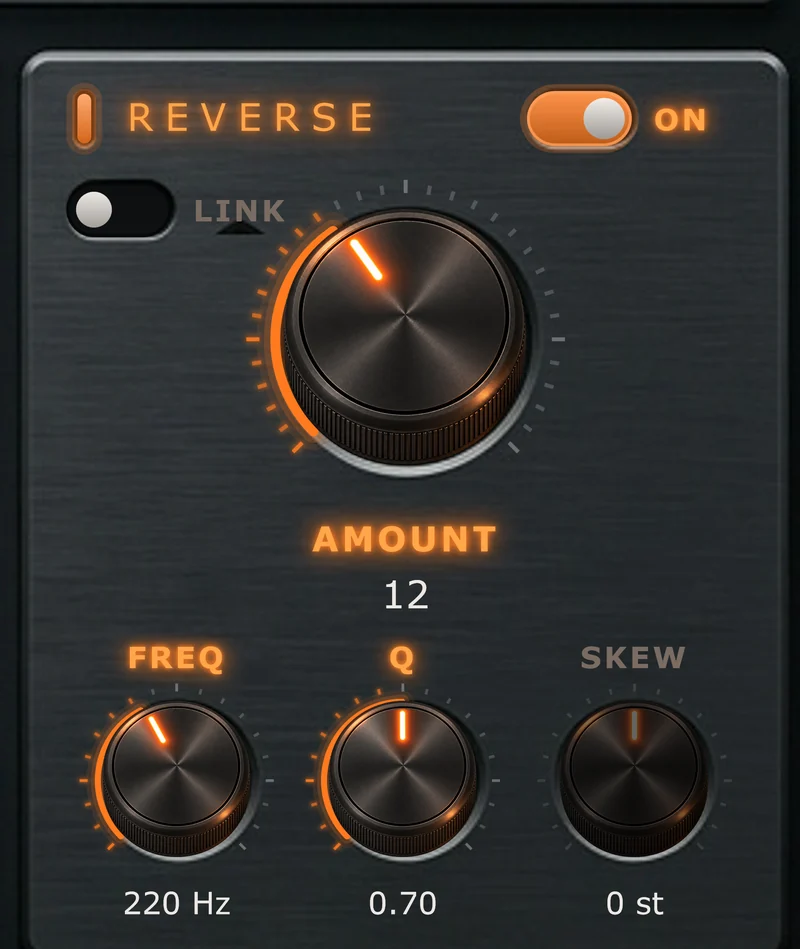
Overview
Reverse moves energy earlier, so part of the sound arrives just before the hit and swells into it. On drums and vocals this reads as a lift into the transient: the sound steps forward in the mix without just getting brighter or harder. Turned up, it gives reversed, sucking swells into every hit.
It sits after Drive and the Compressor, so it gathers back in the sound that Disperse spread out and the dynamics shaped. That's a big part of Pyrosphere's character: dense and loud, but still clear and forward.
Pulling energy in ahead of a hit means Pyrosphere has to hear the hit before it plays it. That's why True engine mode adds latency (your DAW compensates automatically). In Live mode there's no engine latency, so Reverse can't reach backwards: it deepens the sweep instead. Tune the Reverse frequency high for a second, brighter sweep. It's a different sound, not a lesser one. See Engine.
On
Switches the Reverse section in or out.
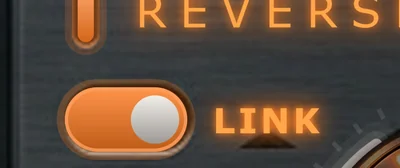
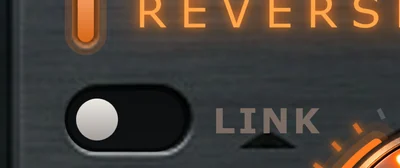
Link
Matches Reverse to Disperse.
While Link is on, Reverse's Amount, Freq and Q follow Disperse, and their knobs go dark. Only Skew stays active. Switch Link off to set Reverse yourself.
Skew
Detunes Reverse away from Disperse, in semitones.
At 0 st, Reverse is a perfect match for Disperse: it gathers the sweep back toward the hit, so you get the weight and density of the processing in between with very little audible sweep. Move Skew away from zero and some sweep is left over. Small amounts add colour; large amounts add a second, offset movement.
On the phase display, the linked Reverse node is hollow. Drag it sideways to set Skew.
Amount
Sets how strongly energy is pulled in ahead of the hit.
Freq
Sets where the Reverse effect is centred.
The white node on the phase display is the same control.
Q
Sets how focused the Reverse effect is.
Lower Q, or a higher Freq, also means Reverse needs less time to work, which keeps the PULL readout at Exact.
On bass and 808s, keep Reverse still rather than sweeping it. A static Reverse near the note's fundamental changes the character of the note without pulling its pitch around.